


Workflow and CRM automation
When an enquiry moves from a form to email, then to a spreadsheet and finally to a CRM, duplicates and missed tasks can appear. I help connect these stages so follow-up is clear and information reaches the people who need it.
Tell me which task is holding your team back. Let’s review your project.

Client reviews on Google




Clients, teaching and collaborations
Explore the documented projects and case studies to see the work carried out for each organisation.
Which processes are worth automating?
We look for repeated tasks with an identifiable input and a result we can check. Examples include recording an enquiry, assigning an owner, creating a task or flagging missing information. We prioritise frequency, errors and time spent.
A CRM that fits your sales process
We review fields, stages, owners and follow-up rules. The aim is to understand where an opportunity came from, what the customer needs and the next action. Before adding automation, we address duplicates and inconsistent recording criteria.
Connecting forms, email and business tools
We examine the connections available between your website, CRM and work applications. We agree on which data are transferred, when and with which permissions. If a tool does not support a reliable integration, we identify that before committing to development.
Example: from an enquiry to sales follow-up
A form enquiry arrives, the system checks whether the contact exists and records the opportunity. It then assigns a task and notifies the owner. If data are missing or a connection fails, the workflow records a visible issue rather than losing the enquiry.
Testing before launch
We test normal cases, duplicates, empty fields and connection failures. We check that retries do not create unnecessary records and that the team can correct issues. Documentation explains what each workflow does and who maintains it.
Deliverables and follow-up
Deliverables may include the process map, configured workflows, functional tests and a usage guide. Licences, support and additional connections are agreed separately. Evaluation uses process measures such as manual tasks, incidents or follow-up time.
Experience, training and documented work
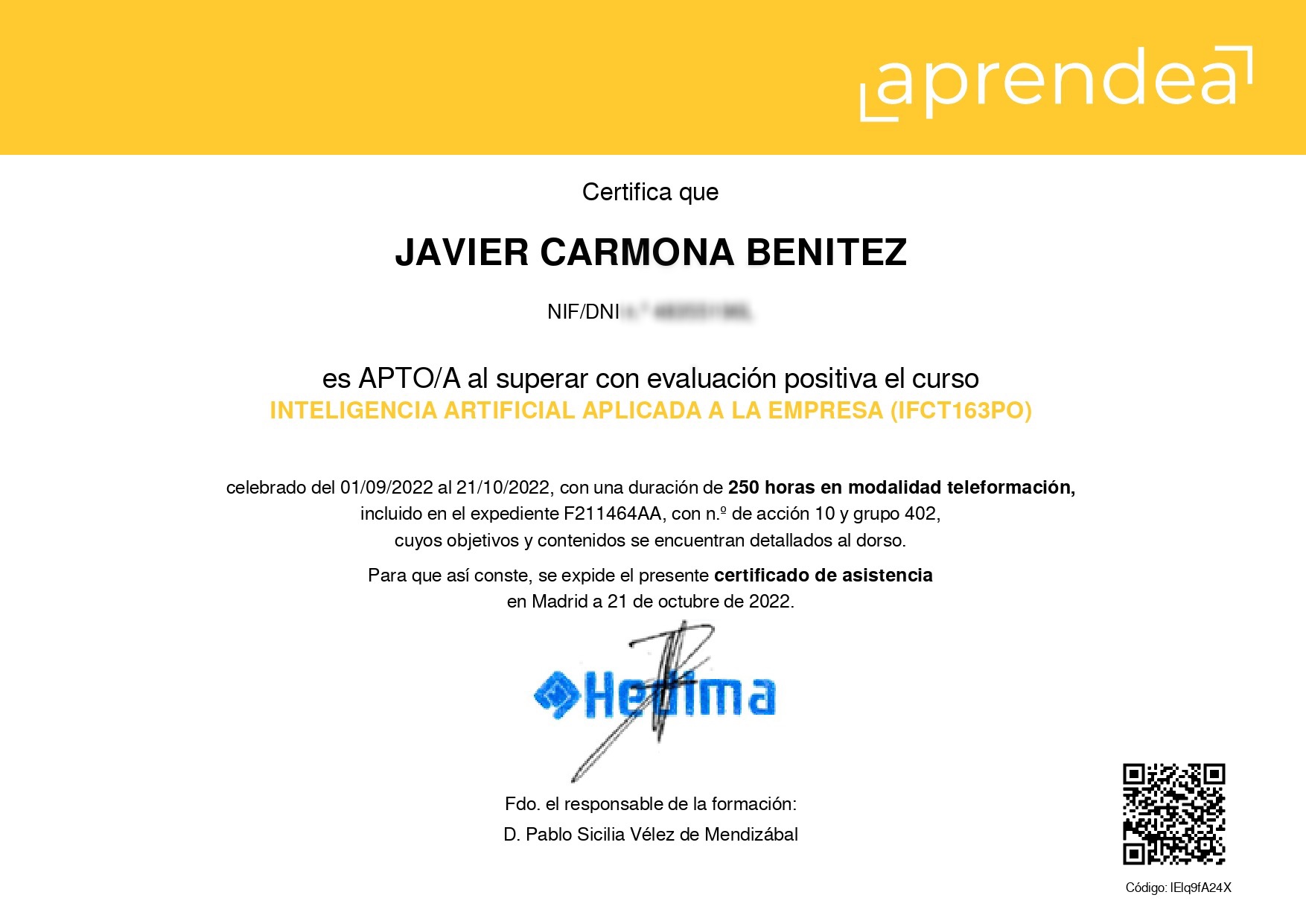
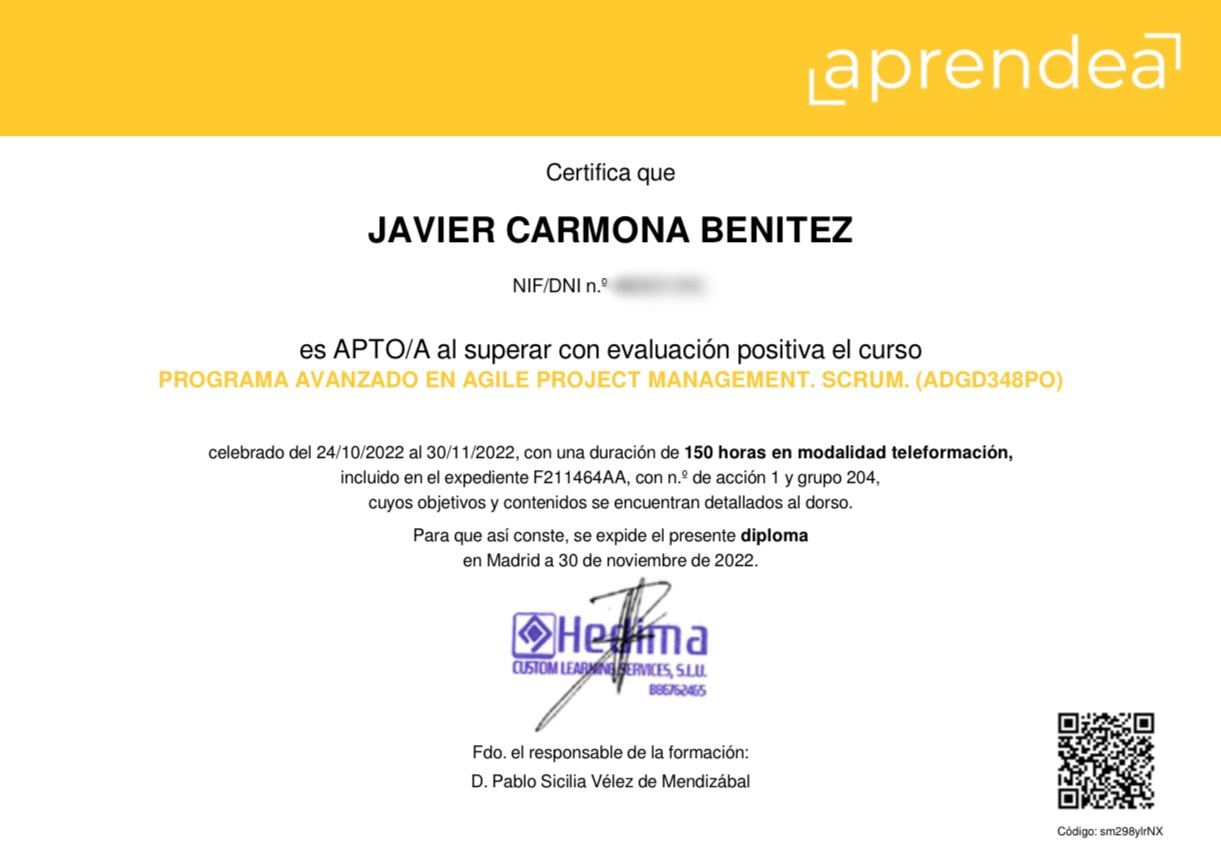
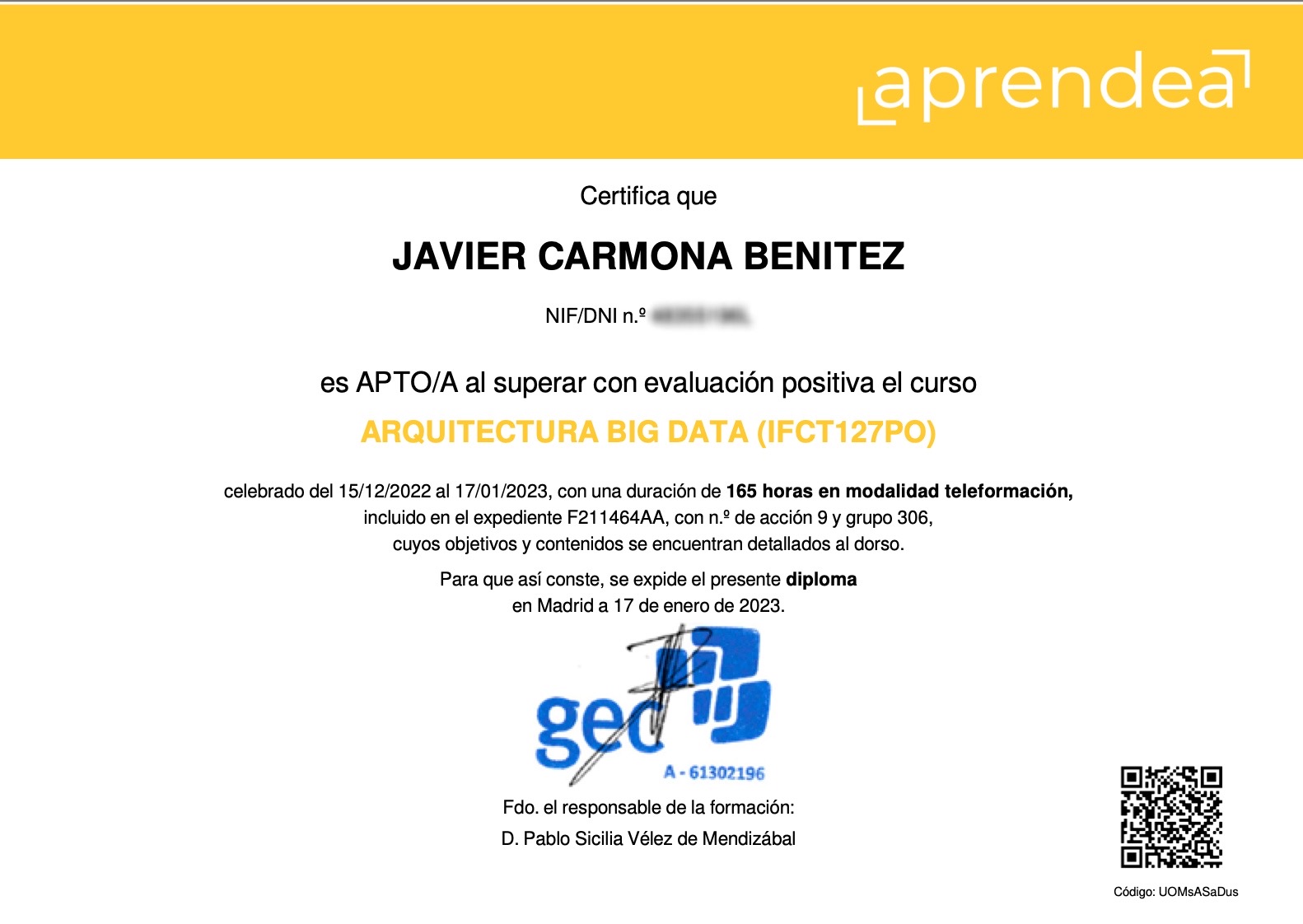
I am Javier Carmona Benítez. My background combines technology since 2007, consulting under my own brand since 2013, teaching and development. My training includes Artificial Intelligence Applied to Business, Big Data Architecture, and Agile Project Management and Scrum. You can review my professional profile and career and teaching experience.
From the existing process to a clear workflow
Before automating anything, we map the information flow. We review where an enquiry arrives, who should handle it, which data is required and how completion is recorded. We also identify exceptions such as duplicate contacts, incomplete fields, changes of owner and tasks requiring approval.
This map helps us decide which steps can run automatically and which should remain with the team. Automating an unclear process can multiply its errors. We therefore simplify the rules first and choose how to implement them afterwards.
Sales automation and CRM follow-up
A CRM can give each opportunity an owner, a next action and a meaningful status. We review contact capture, the information sales teams need and reminders that support follow-up. The aim is a shared process and an accessible history, rather than information scattered across several tools.
We can assess connections between forms, email, calendars and management tools. The possibilities depend on each platform’s features and licences. Before committing to an integration, we check permissions, limits and technical availability.
What happens when an automation fails?
Every workflow needs defined behaviour when something goes wrong. We test what happens if a service is unavailable, information is missing or the same request arrives twice. Depending on the process, this can involve alerts, execution logs, duplicate checks and a way to resume work manually.
Testing covers normal situations and exceptions. We also agree who receives alerts and who may change the rules. Documentation helps prevent the workflow from depending on one person remembering how everything was configured.
Measuring and maintaining the process
Indicators depend on the problem: response time, outstanding tasks, registration errors, manual steps or enquiries without follow-up. We establish a baseline and review behaviour after implementation. Fewer manual tasks do not automatically mean more sales; those are different outcomes and should be assessed separately.
If the workflow needs to interpret text or summarise information, we can assess applied AI consulting. When a standard connection does not meet the requirement, we consider a custom integration. Maintenance and third-party licences are specified in the proposal.
Questions about this service
Do we need to change CRM?
Not by default. I first check whether your current tool can support the process. A replacement only makes sense if its limitations justify it.
Does every automation use AI?
No. Many connections work with clear rules. AI is added when it helps with a specific task and its outputs can be reviewed.
What happens if a connection fails?
The design should include alerts, error logging and recovery. The scope depends on the tools and the importance of the process.
Choose the support your business needs
Explore the AI and automation overview, or learn about applied ai consulting for businesses, business application development and integrations.
For visibility in generative answers, see GEO consulting. Tell me about your project and we can define a useful starting point.
Tell me what your project needs
Share your website, what your business does and what you would like to improve. I will review the context so we can discuss the next step.
“Together, we can improve the present and future of your online business”
Javier Carmona Benítez
Find me on Google Maps
Based in Alicante, working with businesses across Spain and internationally. Open Google Maps.